
3 Patti Blue APK Installation Failed – How to Fix on Android
Many Pakistani players love 3 Patti Blue APK for real cash games and bonuses, but sometimes the APK installation fails on Android devices. Common errors include “App not installed,” permission issues, or parsing errors. This guide explains why installation fails and how to fix it.
Why 3 Patti Blue APK Installation Fails
- Unknown Sources Disabled
- Android blocks installation from outside the Play Store by default.
- Incompatible Device or OS Version
- Minimum requirement: Android 5.0 (Lollipop) or higher.
- Corrupted or Partial APK File
- Download interruption or file corruption can prevent installation.
- Existing Version Conflicts
- Installing a new version over an old one without uninstalling may cause errors.
- Insufficient Storage
- APK requires at least 100MB free space to install properly.
- Security Apps Blocking Installation
- Antivirus or system security apps may block APK files from unknown sources.
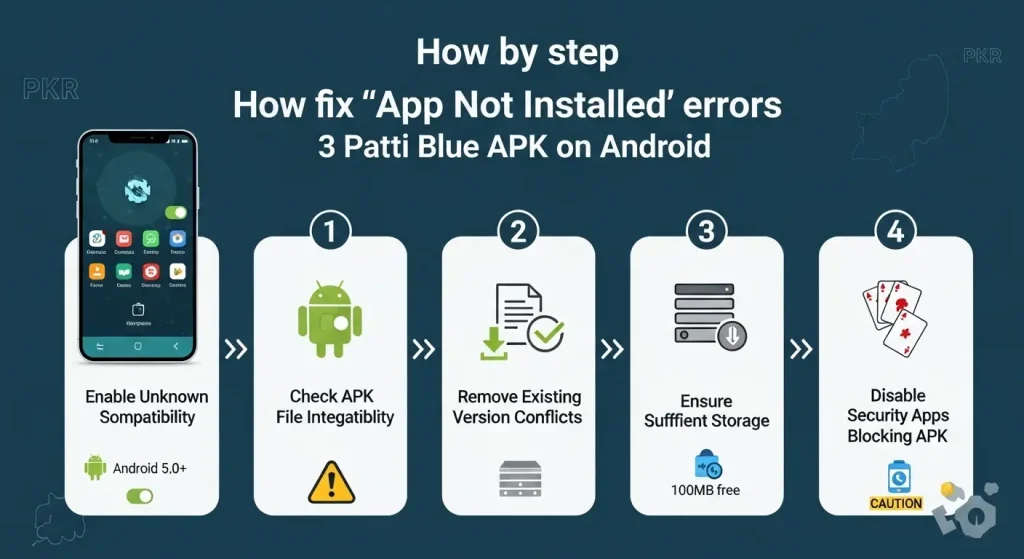
How to Fix 3 Patti Blue APK Installation Errors
1. Enable Unknown Sources
- Go to Settings → Security → Install unknown apps.
- Select the browser or file manager used to download the APK.
- Enable Allow from this source.
2. Check Device Compatibility
- Ensure your Android version is 5.0 or above.
- Low-end devices may need to free up RAM or storage for smooth installation.
3. Re-download the APK
- Delete the old APK file.
- Download the latest official APK from the 3 Patti Blue website.
- Avoid modded or unofficial APKs to prevent errors or bans.
4. Uninstall Previous Versions
- If you have an older 3 Patti Blue version installed:
- Go to Settings → Apps → 3 Patti Blue → Uninstall.
- Clear cache and data, then reinstall the latest APK.
5. Free Up Storage Space
- Ensure at least 100MB free on your device.
- Delete unnecessary apps, files, or clear cache to make room for installation.
6. Disable Security Apps Temporarily
- Antivirus or security apps may block APK installation.
- Temporarily disable them, install the APK, then re-enable protection.
7. Use a File Manager for Installation
- Open your File Manager, navigate to the APK, and tap Install.
- This ensures Android uses the correct installer rather than relying on browser downloads.
8. Restart Your Device
- A simple restart can fix background processes blocking installation.
Pro Tips
- Always download APKs from the official 3 Patti Blue website.
- Avoid using VPNs or modified versions during installation.
- Keep your Android device updated for maximum compatibility.
Conclusion
3 Patti Blue APK installation errors are common but easy to fix. By enabling unknown sources, checking device compatibility, freeing storage, and using the latest official APK, you can enjoy real cash games, daily bonuses, and secure withdrawals without interruption.
Follow these steps carefully to get 3 Patti Blue installed successfully on your Android device and start playing today!